
Guide · Updated Oct 2026
How to Choose the Best IPTV App for Each Device
A practical walkthrough of compatible players, login methods, playback settings and security basics for every major platform.
Read guideCompare flexible plans from $5.99, request a 24-hour test line, check device compatibility, and explore credit-based reseller tools — all in one place.
4 plans
1 to 12 months
24-hour trial
Test your setup first
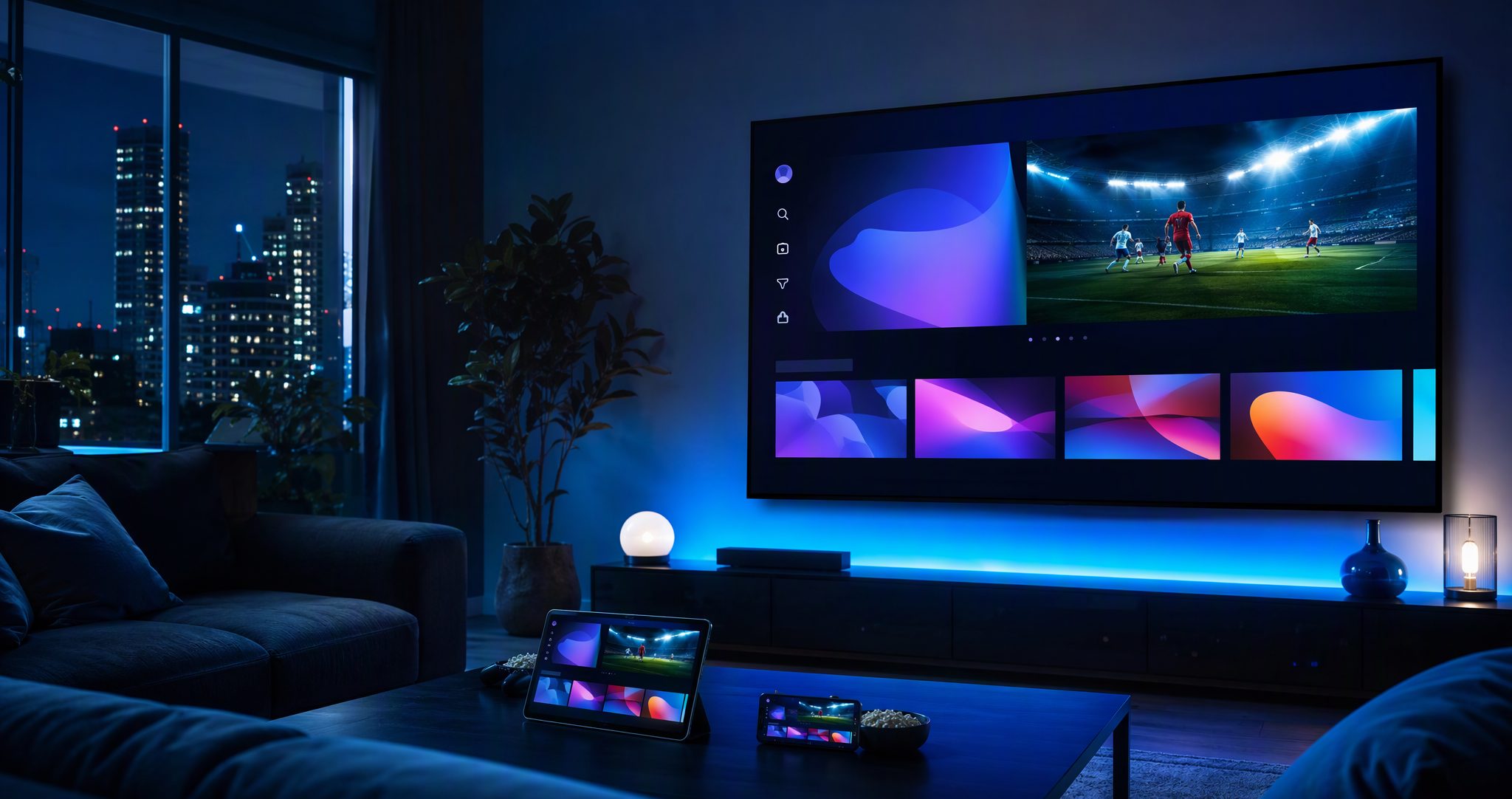
Illustrative viewing concept across TV, tablet and phone. Interface layout varies by device and player.
Live television, on-demand browsing, device setup help and a dedicated reseller route — combined into one documented service journey.
 Live network status
Bandwidth
780Mbps
Latency
19ms
Streams
12,480live
Use a supported IPTV player on your main television, streaming stick, phone, tablet or computer. Install and login methods differ by platform, so our setup hub starts with the device rather than assuming one universal app.
Browse live categories, movies, series, search and guide data through any compatible player.
Match HD, Full HD or 4K playback to real device capability and connection stability.
Protect login details, use trusted apps and follow local law and the published terms.
Approved partners manage customer accounts and renewals from a credit-based dashboard.
The tiles below illustrate how channel and on-demand categories appear inside a compatible player. Imagery is illustrative only.
18 channels found in this demo list
 Sports Arena4K
 Cinema HD4K
 World News 244K
 Kids Planet4K
 Music One4K
 Globe Travel4K
 Food Lab4K
 Racing Live4K
 Concert Stage4K
 World Cinema4KSports Arena4KCinema HD4KWorld News 244KKids Planet4KMusic One4KGlobe Travel4KFood Lab4KRacing Live4KConcert Stage4KWorld Cinema4K
Category tiles shown are descriptive examples only; artwork and titles belong to their respective rights holders.
Interface previews help you recognise the layout before setup. Menus, login methods and features vary by app version and device.
Remote-friendly live TV browsing on Android TV, Fire TV and compatible smart televisions.
Playlist-based viewing on phones and tablets with favourites, search and continue watching.
Portal or playlist login on Windows and macOS through popular open player applications.
Four practical checkpoints that matter more than anonymous ratings or invented reviews.
Run the 24-hour trial on your normal device and network. Open the categories you care about, check the guide data and test at peak hours.
Smart TV stores, Fire TV, Android TV, Apple devices and computers each have their own install route. Start from the operating system.
A 4K source also needs compatible decoding, a 4K display, correct player settings and enough stable bandwidth while you watch.
Include device model, player name, connection type and the exact error. Never share passwords in public posts or screenshots.
Choose a personal plan only after testing your primary device and network. Prices below are current USD totals after the displayed 25% discount.
NovaStream personal
USD total
NovaStream personal
USD total
NovaStream personal
USD total
NovaStream personal
USD total
Catalogue size, specific channels, VOD titles, guide data and stream quality can change. Confirm current availability and terms before payment. EUR / GBP amounts are converted from USD at fixed display rates (1 USD ≈ 0.92 EUR ≈ 0.79 GBP); final checkout settles in USD.
Approved partners get a dedicated dashboard: create test lines, activate plans, renew customers and track expiry — all priced in simple credits.
Top up credits once, then create or renew customer lines as needed — no per-order invoices.
New lines and renewals are processed from the panel in seconds, with clear expiry tracking.
Organise customers, notes and device types from one dashboard built for resellers.
Straight answers about trials, devices, network requirements, payment and the reseller credit system. Still unsure? Message support anytime.
Ask a questionSend a trial request with your device type. You receive test credentials valid for 24 hours — enough time to check the categories, guide data and playback quality on your own network before choosing a plan.
Smart TVs (Samsung, LG, Android TV), Amazon Fire TV, Android and iOS phones and tablets, plus Windows and macOS computers. Each platform uses a slightly different player app, and our setup guides walk through each route.
In most cases a normal stable broadband connection is enough. For smooth 4K playback we recommend at least 25 Mbps. If your provider throttles streaming, a VPN can sometimes help stabilise the route.
Major cards and several alternative payment options are available at checkout. All prices are listed in USD and shown with the current discount before you confirm anything.
One credit equals one month of service on one connection. Longer plans simply use more credits. The panel shows your balance and the exact cost before every activation or renewal.
Guide · Updated Oct 2026
A practical walkthrough of compatible players, login methods, playback settings and security basics for every major platform.
Read guideGuide · Updated Oct 2026
Step-by-step Smart TV setup covering app store install, playlist login, EPG configuration and common troubleshooting.
Read guideGuide · Updated Oct 2026
From enabling third-party installs to optimising playback — the complete Fire TV route in ten minutes.
Read guideRequest a trial line, try it on your own device and network, then decide. No payment details needed for the test.